Free, in the browser
Record your screen and webcam free, without a watermark or a clock
Open blyp.link in Chrome, sign in with Google, pick a screen, window or tab, turn your webcam on, and record. When you stop, the link is ready. There is no watermark on the video and no recording time limit, and the person you send it to needs no account.
What Free is, in two numbers
Neither is a clock. A take runs as long as it needs to.
Delete a Blyp and its slot is free again. A bad take costs nothing.
Counted when a take finishes, deleted takes included. When the month's allowance is used, the next take waits for the first of next month. Pro has no monthly cap.
What Free includes
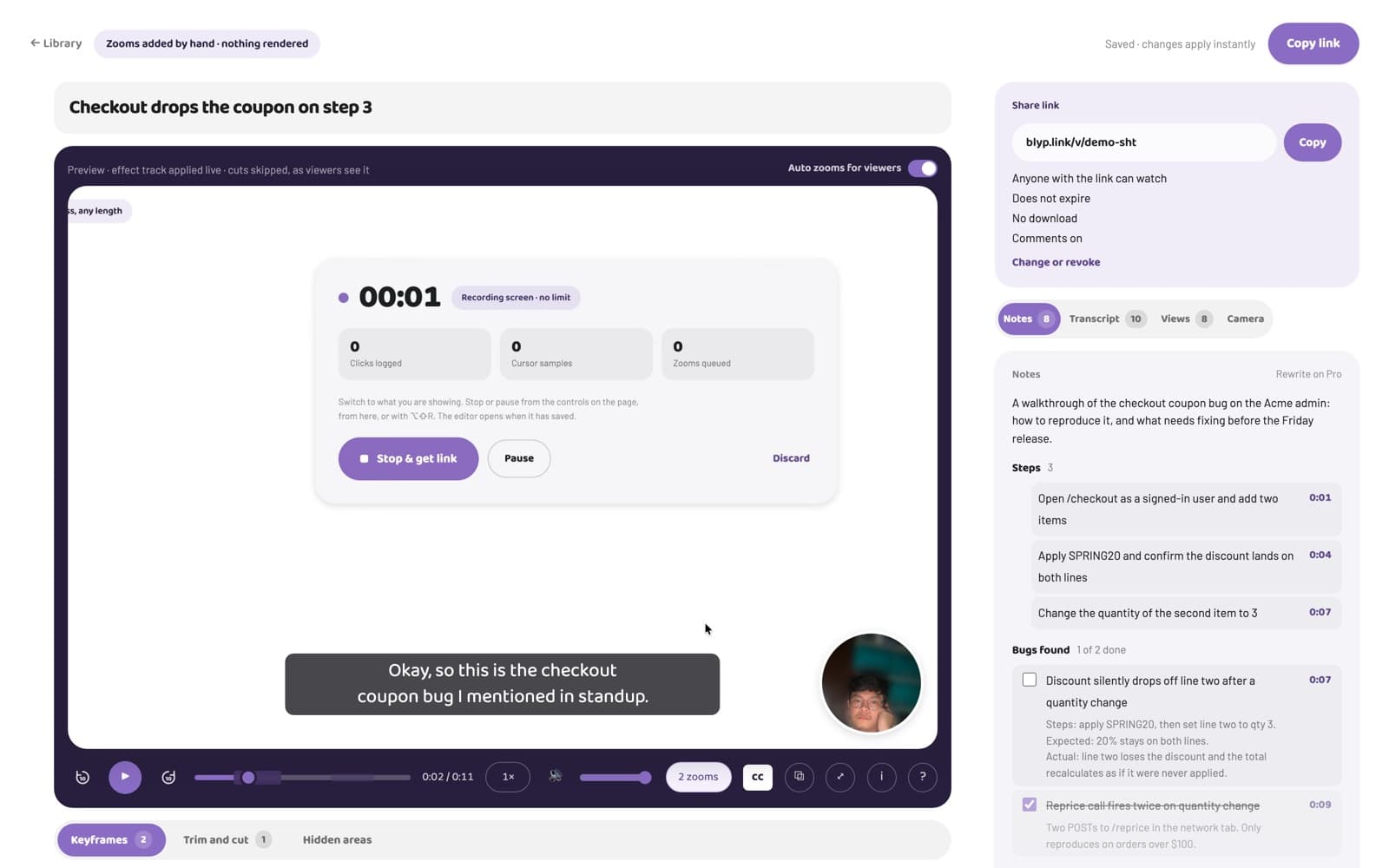
Up to 10 Blyps at a time and up to 5 GB of recording a month, about 4 hours at full resolution. Delete a Blyp and its place is free again. Captions, and the notes written from them, on 10 Blyps a month. Every edit, share links, comments, reactions and view counts are on every plan.
How a take works
Choose what to record: a whole screen, one window or one tab. Turn the webcam on if you want it, and blur the background behind you if you like. Speak as you go. Footage uploads while you record, so stopping and sharing take the same second. If the browser closes mid-take, the recording is finished from what had arrived.
Full resolution, no watermark
The screen is recorded at your display's own resolution and 30 frames a second and played back as recorded. Nothing is stamped on the video and nothing is downscaled on the way.
Edit later, on the same link
Zoom into what matters, trim a false start, cut a stretch out, blur a password, move or hide the webcam bubble. Edits are applied when the video plays, so there is no export and the link you already sent shows the new version.
The viewer needs nothing
Anyone with the link watches in their browser: no account, no app, no sign-up wall. They can comment at a moment, react, read captions and tick the notes' checkboxes. The video plays only inside the Blyp page, so a copied file address does not play elsewhere, and a revoked link stops within seconds.
When Pro is worth it
Pro is $9 a month: no count and no monthly cap, 100 GB of storage, password and expiring links, downloads for viewers, captions and notes on every Blyp. Nothing on Free is a trial; it stays free.
Questions
Is it really free?
Yes. Free holds up to 10 Blyps at a time and records up to 5 GB a month, with no recording time limit and no watermark. It is not a trial and does not expire.
Is there a time limit on a recording?
No, on any plan. A take runs as long as you need and a take already running is never cut.
Do I need to download software?
No. Recording works from blyp.link in Chrome. The optional Blyp extension for Chrome adds automatic zooms from your clicks.
Can I record only my screen, without the webcam?
Yes. The webcam is a switch on the recorder. Voice is optional too.
Where does the video go?
To Blyp's own storage, encrypted, reached only through signed short-lived links. Delete a Blyp and the footage is deleted with it.
Try one take.
Sign in with Google and record one pass with your screen and webcam. Free, no recording time limit.